
01
Share from Photos
Screenshot Calendar appears in the same share sheet you already use, so the flow starts from the screenshot instead of from a separate import screen.
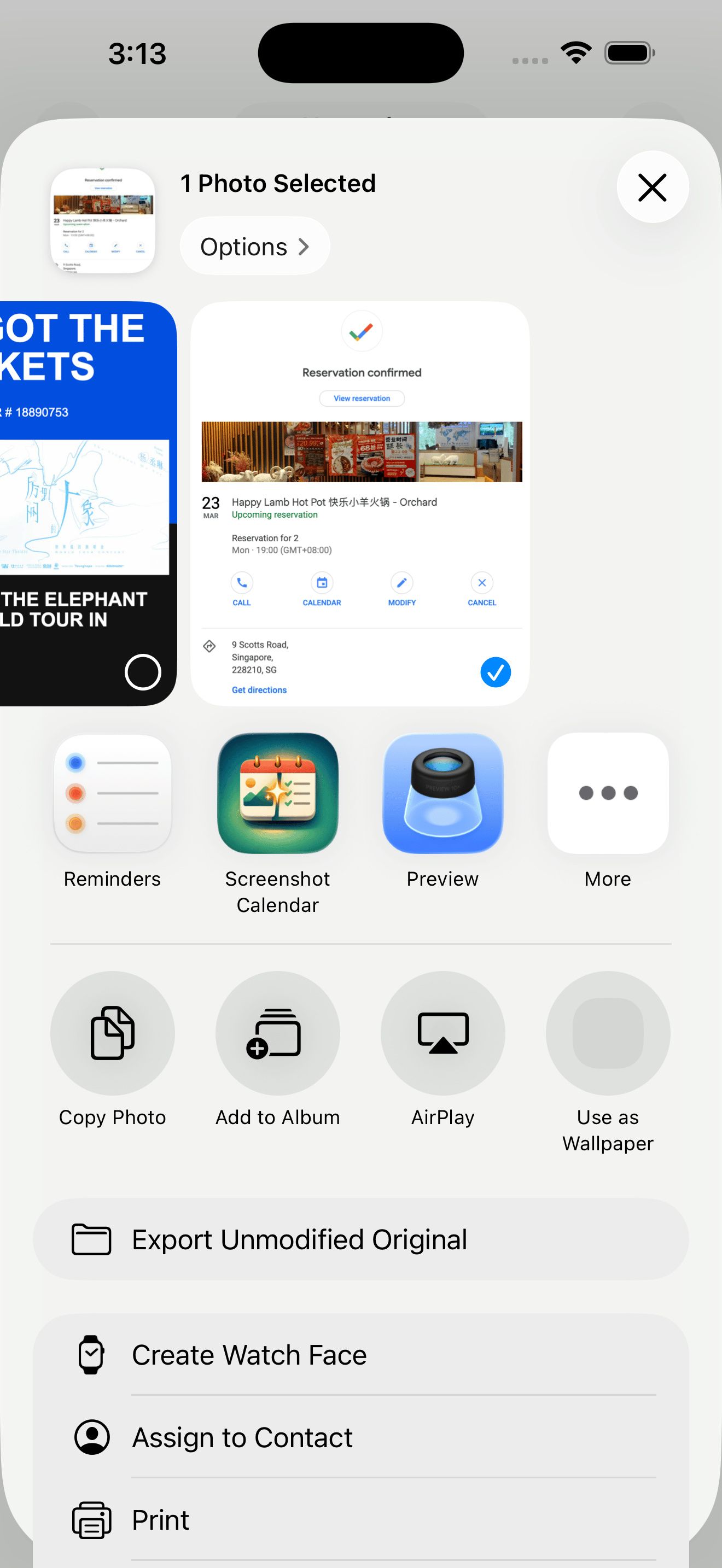
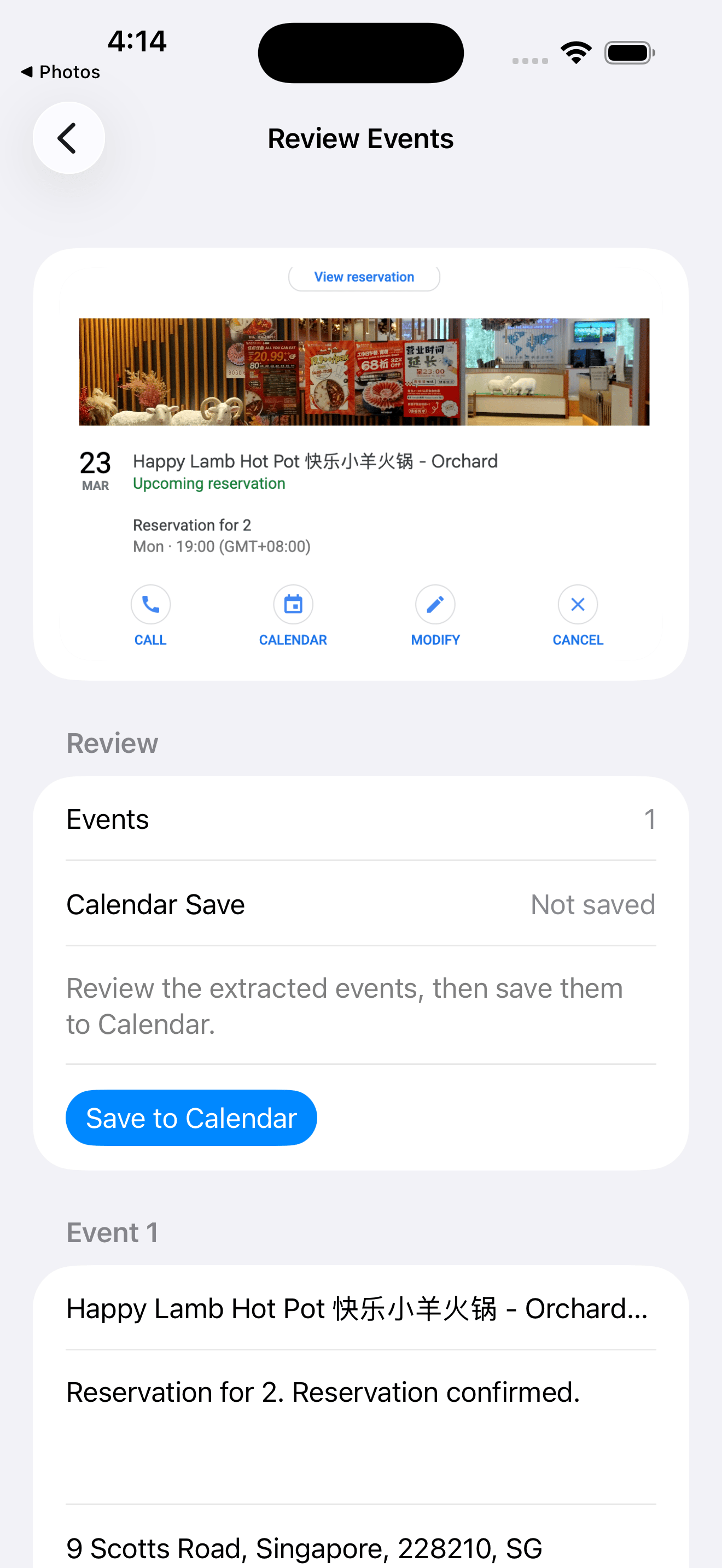
Share from Photos, review the extracted details, and save into Calendar without rebuilding the plan by hand.
Built around the iPhone share sheet
Review before anything is saved
Native Calendar remains the destination
.ics actions stay available when you need a file
The screenshot already exists. That stays the starting point.
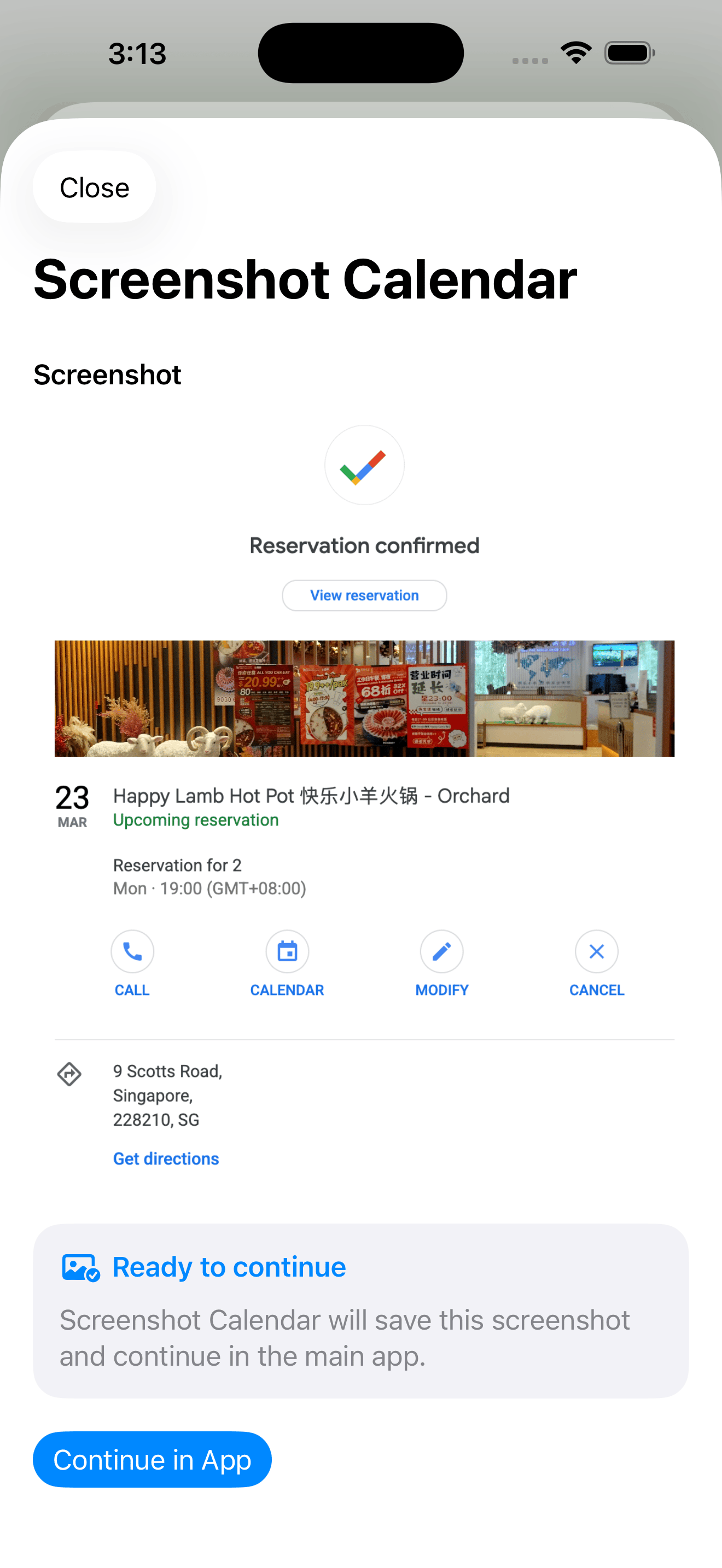
The extension stages the image before the main app takes over.
Title, date, location, notes, and save state stay editable.
The result becomes a real iPhone Calendar event.
The public story follows the same sequence as the product: start with the screenshot, review the draft, and finish in Calendar.
Screenshot Calendar appears in the same share sheet you already use, so the flow starts from the screenshot instead of from a separate import screen.
The extension shows the image, stages it, and waits for you to continue into the app. It feels like a handoff, not a detour.
The extracted event remains editable before save, so you can correct the title, date, location, notes, or any other detail that needs a second pass.
Once the draft looks right, the event lands in the calendar you already use on iPhone. The end state is native, not staged somewhere else.
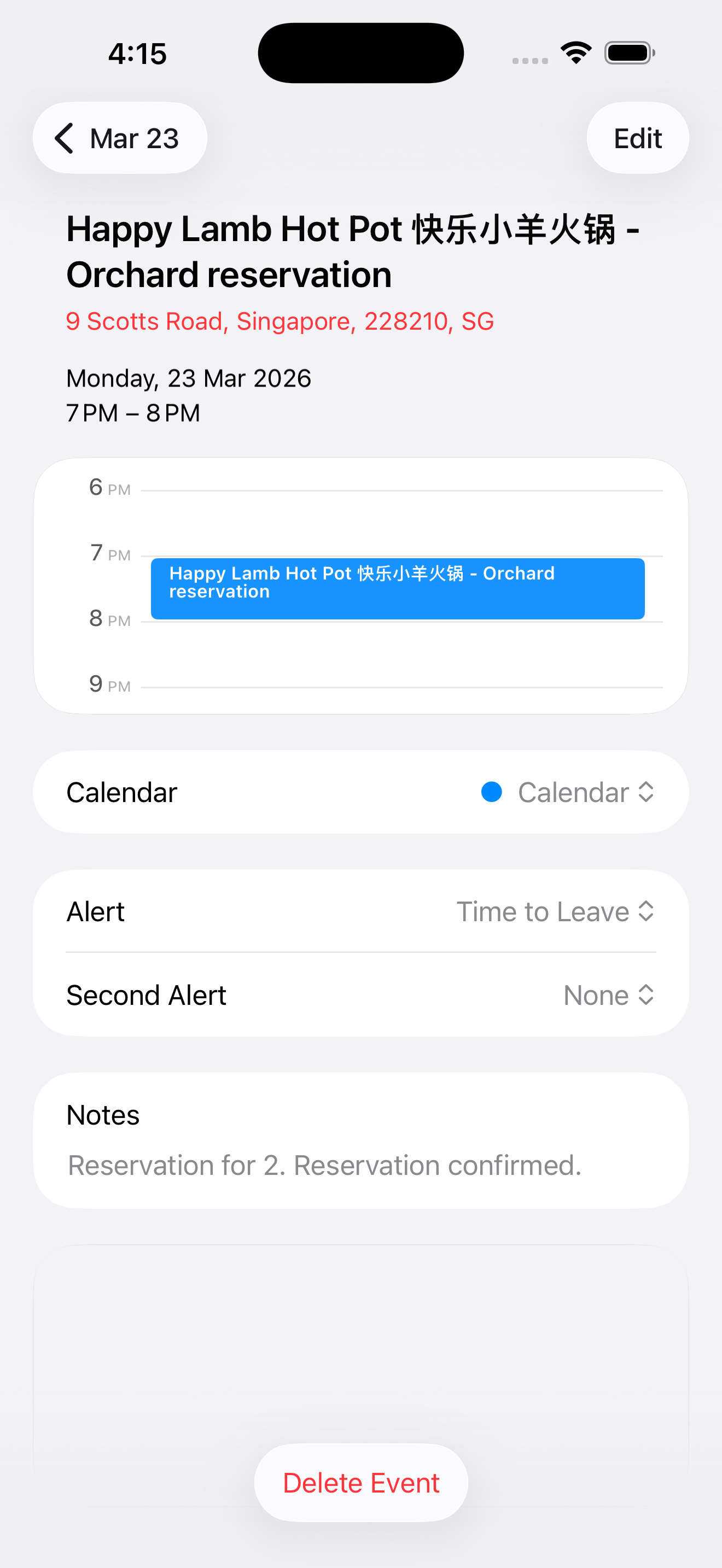
Screenshot Calendar stays conservative where it matters. It extracts the event, but it still gives you a clear review step before anything becomes real.
This is not an auto-save tool. The draft stops in the middle so you can check the details before anything reaches Calendar.
The result is a real iPhone Calendar event, ready for edits, alerts, and everything else that already belongs there.
Open ICS, Share ICS, and redownload actions stay nearby when a portable file is the better next step.
Screenshot Calendar is for the moment when the plan is already on screen and the next step should be getting it into Calendar with less friction.
Share from Photos instead of rebuilding the event by hand.
Edit the extracted draft before it becomes part of your calendar.
Keep a file-based exit path available when you need one.
Focused guides for the screenshots, photos, flyers, and schedules people most often want to save.
Turn iPhone screenshots into editable Calendar events. Share from Photos, review the extracted details, and save without retyping.
Use Screenshot Calendar to extract event details from photos, flyers, posters, and screenshots, then review before saving to iPhone Calendar.
If iPhone screenshot event detection misses details or gives you too little control, use Screenshot Calendar to review and save events manually.
Capture event flyers, posters, and invitations as screenshots, extract the event draft, review the details, and save to Calendar.
Convert schedule screenshots into one or more editable Calendar events, then save the events you actually want.
Visual Intelligence can help with screenshots on supported iPhones. Screenshot Calendar adds a review-first workflow for messy screenshots, schedules, and flyers.